On Which Devices Can I Use Marinios IPTV?
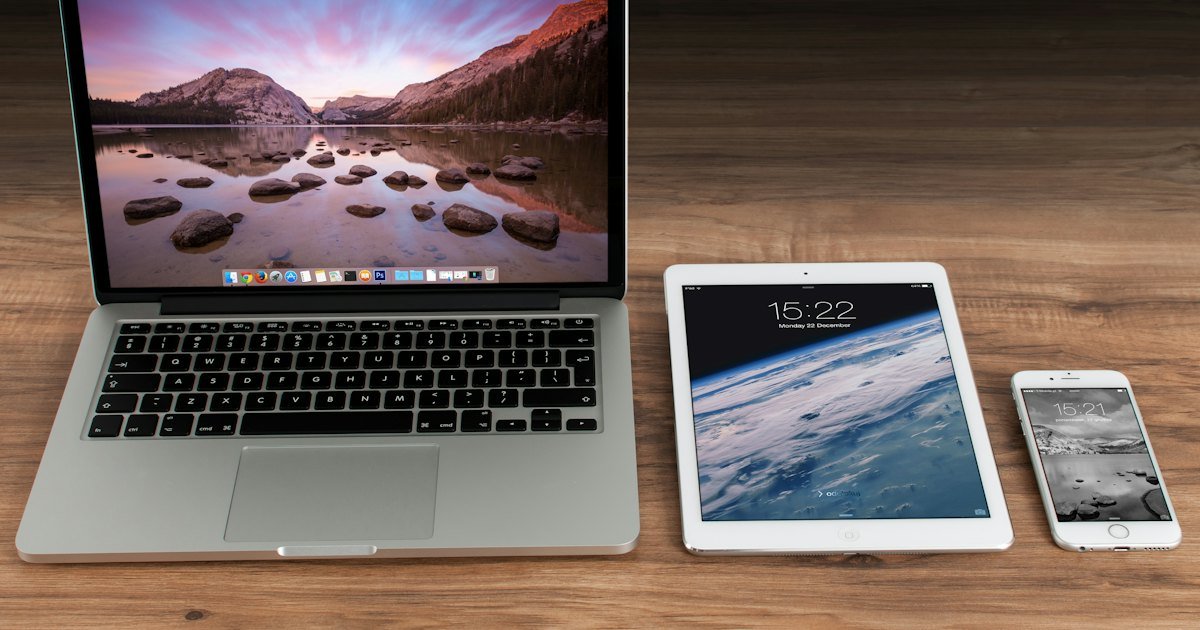
One of the biggest advantages of Marinios IPTV is that it works on almost any device with an internet connection. Here is the complete list of supported devices and the apps we recommend for each one.
Smart TVs
- Samsung (Tizen) and LG (webOS) – install an IPTV player app from your TV's app store, such as IPTV Smarters Pro, Smart IPTV or IBO Player.
- Android TV / Google TV (Sony, Philips, TCL, Hisense…) – install IPTV Smarters Pro or TiviMate from the Google Play Store.
Amazon Firestick and Fire TV
The Amazon Fire TV Stick is one of the most popular ways to watch IPTV. Install an IPTV player such as IPTV Smarters Pro or TiviMate, enter your login, and you are ready.
Android boxes and phones
Any Android box, phone or tablet can run Marinios IPTV. Our favourite apps are TiviMate (great for TV boxes) and IPTV Smarters Pro.
iPhone, iPad and Apple TV
On Apple devices, use an app such as IPTV Smarters Pro or GSE Smart IPTV from the App Store.
Windows PC and Mac
On a computer you can use IPTV Smarters for Windows/Mac or the free VLC media player with your M3U playlist.
MAG boxes and Enigma2
MAG boxes (Infomir) and Enigma2 receivers are fully supported. Send us your device's MAC address on WhatsApp and we will activate it for you.

How many devices can I use at once?
That depends on your plan. You can choose 1, 2 or 3 devices at the same time – see the pricing table. You can install the app on more devices, but only that number can stream at the same time.
Step-by-step: install Marinios IPTV on a Firestick
- On your Firestick home screen, go to Find → Search.
- Search for "Downloader" and install the Downloader app.
- Go to Settings → My Fire TV → Developer options and allow apps from unknown sources for Downloader.
- Open Downloader and enter the download address of your IPTV player app (our team will send you the correct one).
- Install the app, open it and choose Login with Xtream Codes API.
- Enter your Marinios IPTV username, password and server URL.
Step-by-step: install on a Samsung or LG Smart TV
- Open the app store on your TV (Samsung Smart Hub or LG Content Store).
- Search for an IPTV player app, such as IPTV Smarters Pro or IBO Player, and install it.
- Open the app. Some apps show a MAC address or device key on screen – send it to us on WhatsApp if needed.
- Enter your login details or let us activate the playlist for you.
Step-by-step: iPhone and iPad
- Open the App Store and install an IPTV player such as IPTV Smarters Pro or GSE Smart IPTV.
- Open the app and choose Xtream Codes login.
- Enter your username, password and server URL and tap Add user.
What you need for every device
- Internet speed: about 15 Mbps for HD and 25 Mbps for 4K per device. Test it on Speedtest.net.
- Storage: at least 1 GB free space on Firesticks and Android boxes for the app to run smoothly.
- Up-to-date software: update your device and app before you start.
- A stable connection: a network cable works best for TVs and boxes.
Device comparison
| Device | Ease of setup | Picture quality | Recommended app |
|---|---|---|---|
| Firestick 4K | Easy | Up to 4K | TiviMate / IPTV Smarters |
| Android TV box | Easy | Up to 4K | TiviMate |
| Samsung / LG Smart TV | Easy | Up to 4K | IPTV Smarters / IBO Player |
| iPhone / iPad | Very easy | HD / FHD | IPTV Smarters / GSE |
| Windows PC / Mac | Easy | Up to 4K | IPTV Smarters / VLC |
| MAG box | We activate it | Up to 4K | Built-in portal |
Can't find your device here? Ask us on WhatsApp – if it can connect to the internet and run an IPTV player, it will almost certainly work.
Can I use Marinios IPTV on a games console?
Games consoles have limited IPTV apps, so they are not the best choice. If you want to watch on the TV connected to your console, a Firestick or Android TV box is a cheap and much better option. On Xbox, some IPTV player apps are available in the Microsoft Store – ask us before you buy and we will tell you if your console is supported.
Which device is best?
For the best IPTV experience on a big screen, we recommend a Firestick 4K or a good Android TV box connected with an Ethernet cable. If you get buffering, follow our buffering guide.
Ready? Here's how to get your Marinios IPTV subscription.
Frequently asked questions
Does Marinios IPTV work on Firestick?
Yes. Install an IPTV player app such as IPTV Smarters Pro or TiviMate on your Firestick and enter your Marinios IPTV login.
Can I use Marinios IPTV on a Samsung or LG Smart TV?
Yes. Install an IPTV player app from your TV's app store and add your login details.
Can I watch on my phone?
Yes, Marinios IPTV works on Android phones, iPhone and iPad.
Can I use Marinios IPTV on several devices?
Yes. Choose the 2-device or 3-device plan to watch on several screens at the same time.
What is the best device for Marinios IPTV?
For a big screen we recommend a Firestick 4K or an Android TV box connected to your router with a cable.